
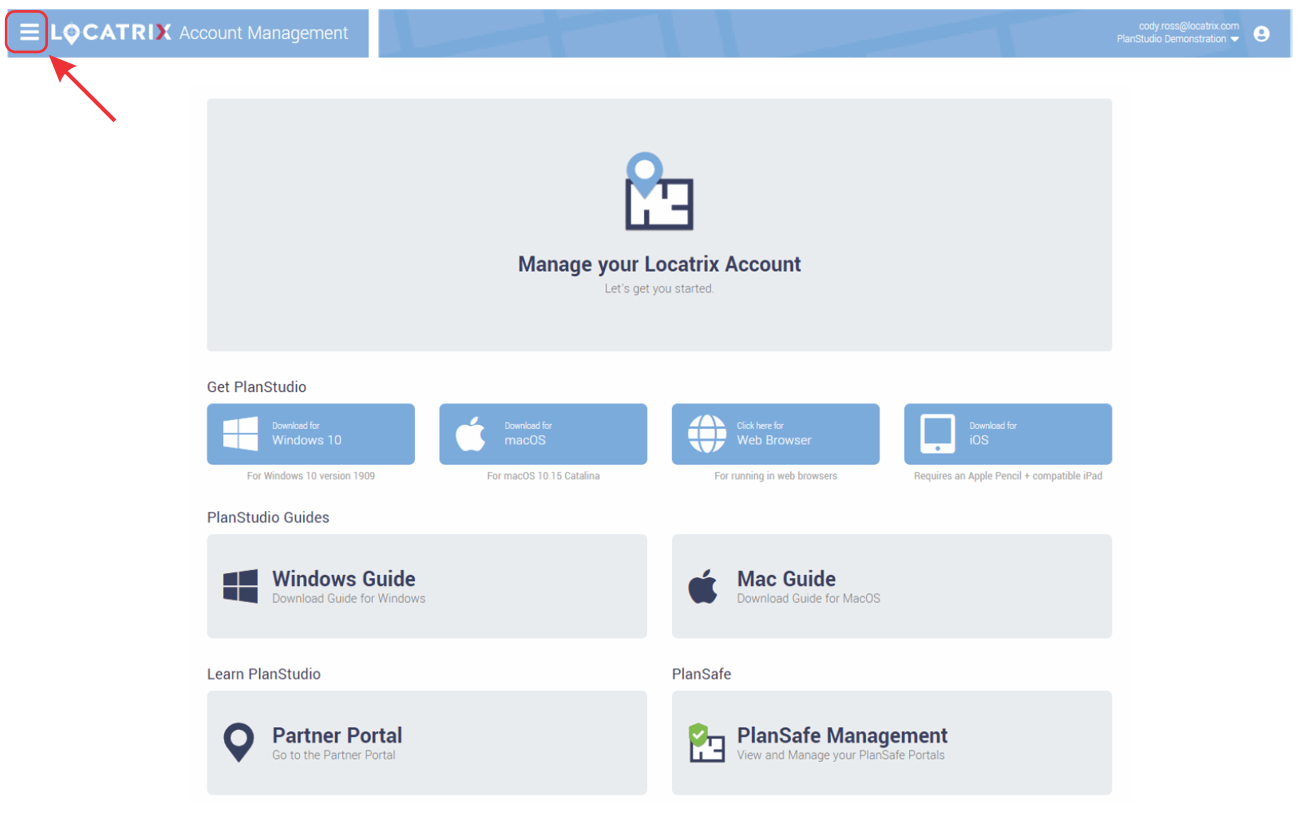
Access to PlanStudio Partnerships is managed through invitations and user Roles that can be sent via the Account Management Page. To send an Invitation click on the Hamburger menu in the top left hand corner.
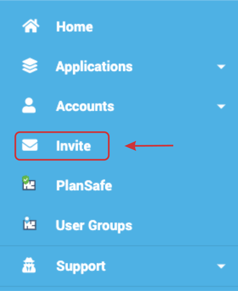
Then select Invite from the menu,
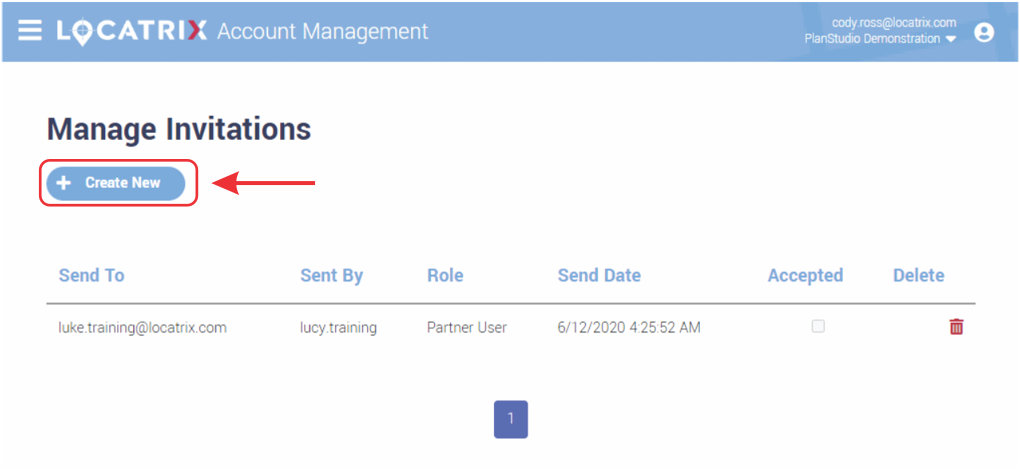
This will launch the Manage Invitation page where you can see the history of the Invitations sent as well as the Role and if the user has accepted or not.
To send a new invitation click the +Create New Button,
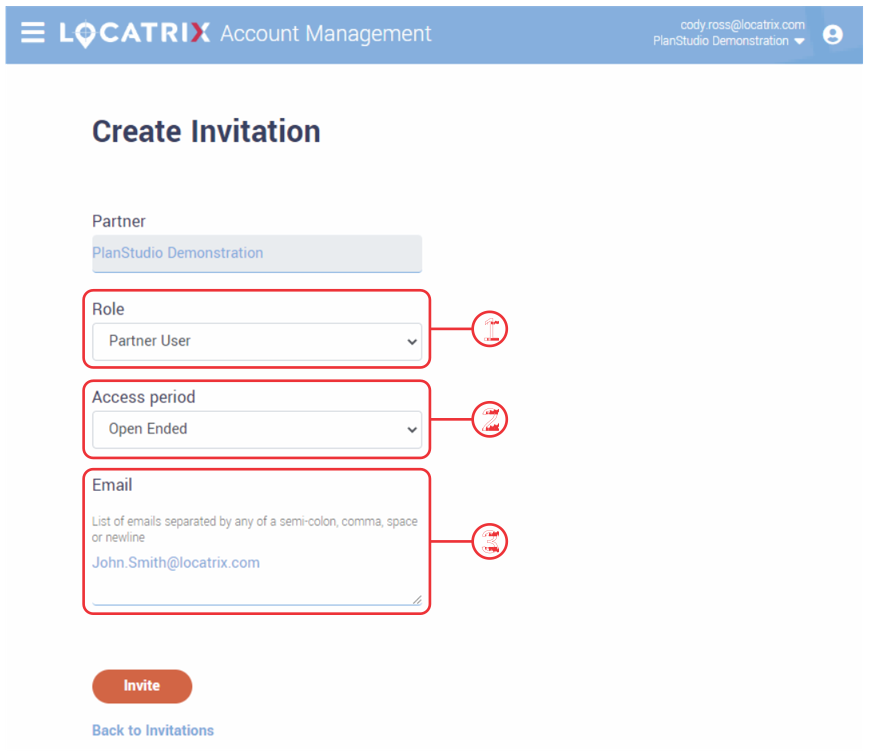
1. Now you can select the Role you want to give the user, The role will dictate what permissions the user will have inside the partnership.
2. You can also set the Access Period to allow users unlimited or a time restricted access to the PlanStudio Partnership.
3. In the Email input you can enter a single or multiple email addresses either separated by a semi-colon, comma or by placing each email address on a new line.
Then click the Invite button to finish.
Below is a list of all the different roles and what permissions each of them enable.
All user roles other then Partner Admin must first be assigned the Partner User Role, all other roles can then be stacked on top of this role.