
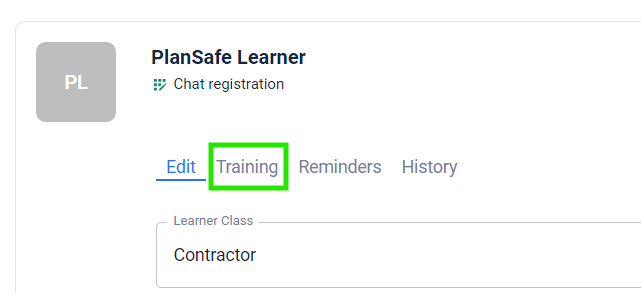
With the new-look PlanSafe, we've added the ability for you to edit the training for a learner from the Account Management menu. To do this, click on the account you want to manage the training for. Once done, you'll see a tab called Training, click on that one to open up the assigned training for the account.
To Add New Training:
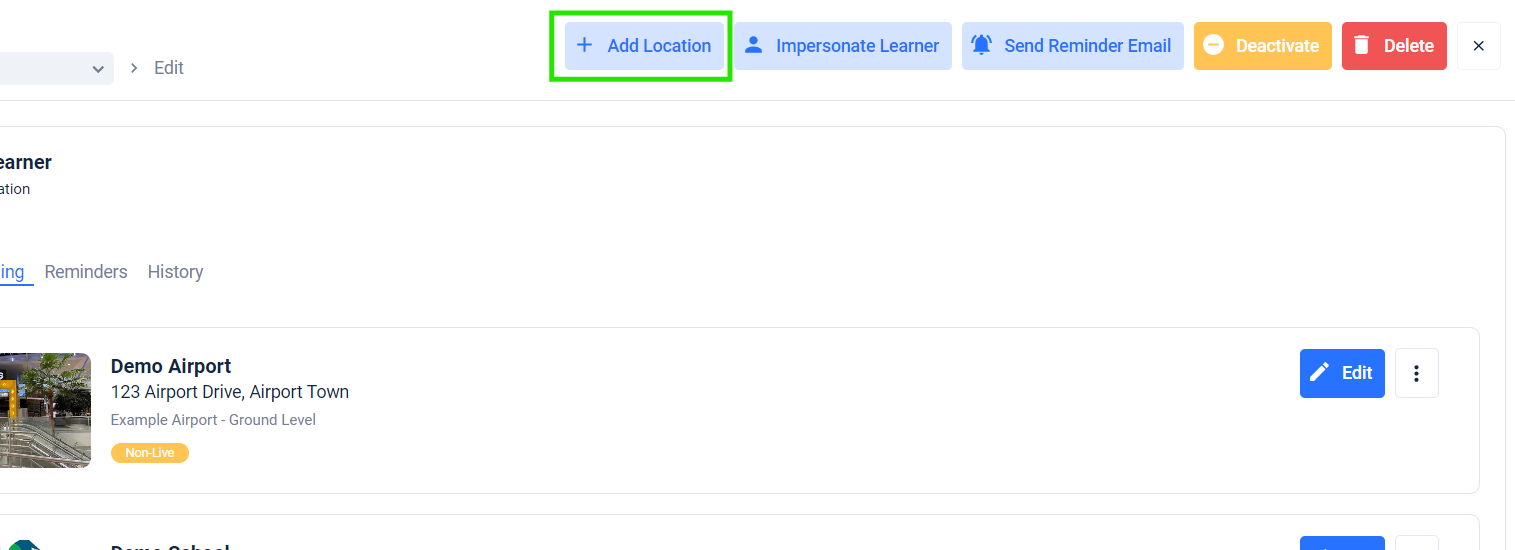
Click on the Add Location button at the top of the page and follow the prompts to add training to the account.
To Remove Existing Training:
Click on the three-dot menu (⋮) beside the training you wish to remove and select the Remove button. Follow the prompts to complete removal of training from the Learner account.
