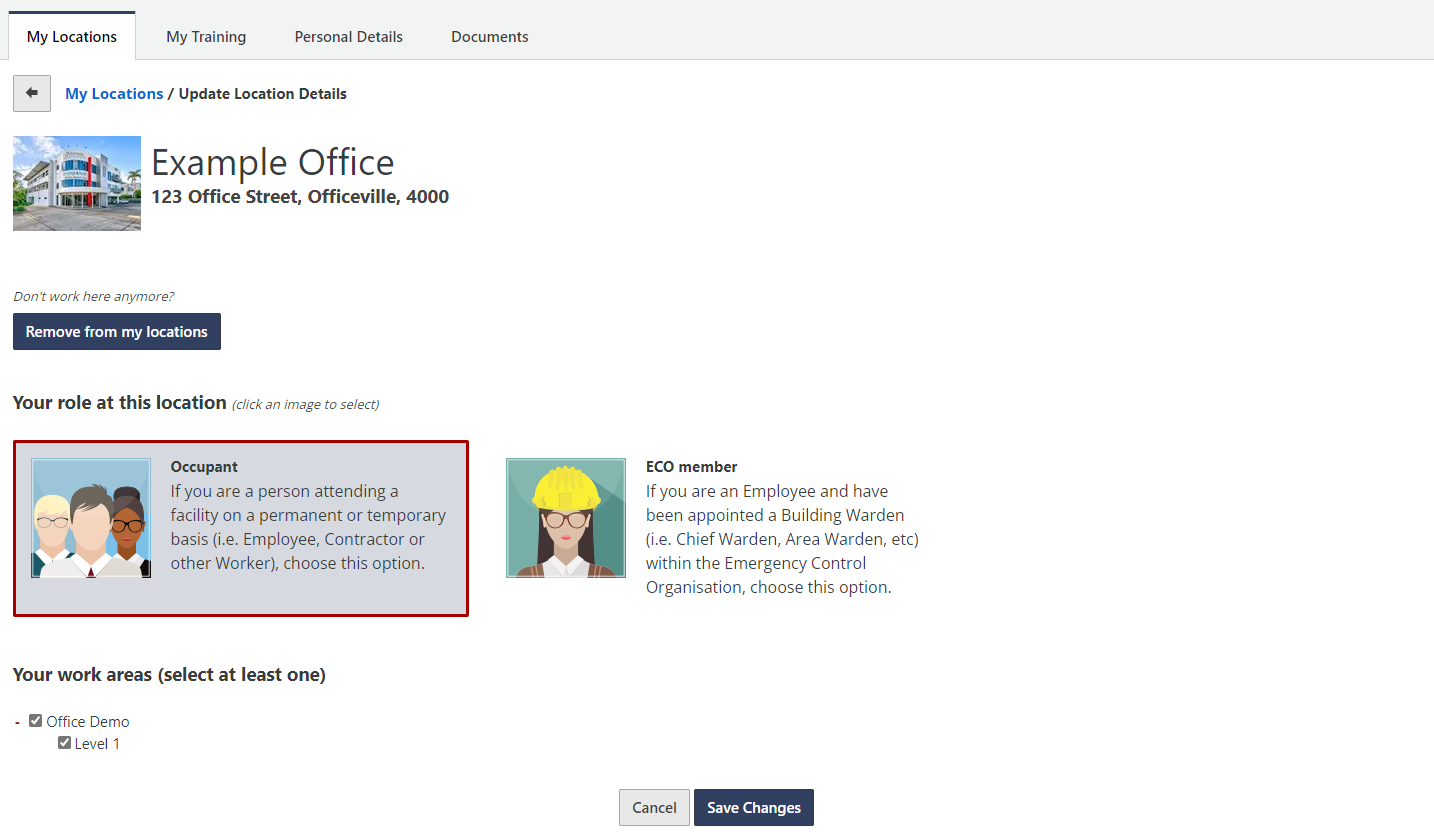
To update what Location you work at, or your role at a current location, go to the My Locations tab when you are logged into your account.

To add a new location to your account, find and click the Add Location button. From the list, select the new location you would like to add to your account.
To remove a location from your account, find and click the Remove button alongside the location you would like to remove.
To update your role or work area at a location, click the Update button alongside the location you would like to make changes to. On the next screen, update the desired details and click Save Changes.